01POS & billing
Take orders, keep open tickets, and close them to a bill.

MeelMate is the workspace for a café or restaurant. Orders, the kitchen board, the menu, tables, staff shifts, and reports stay together.
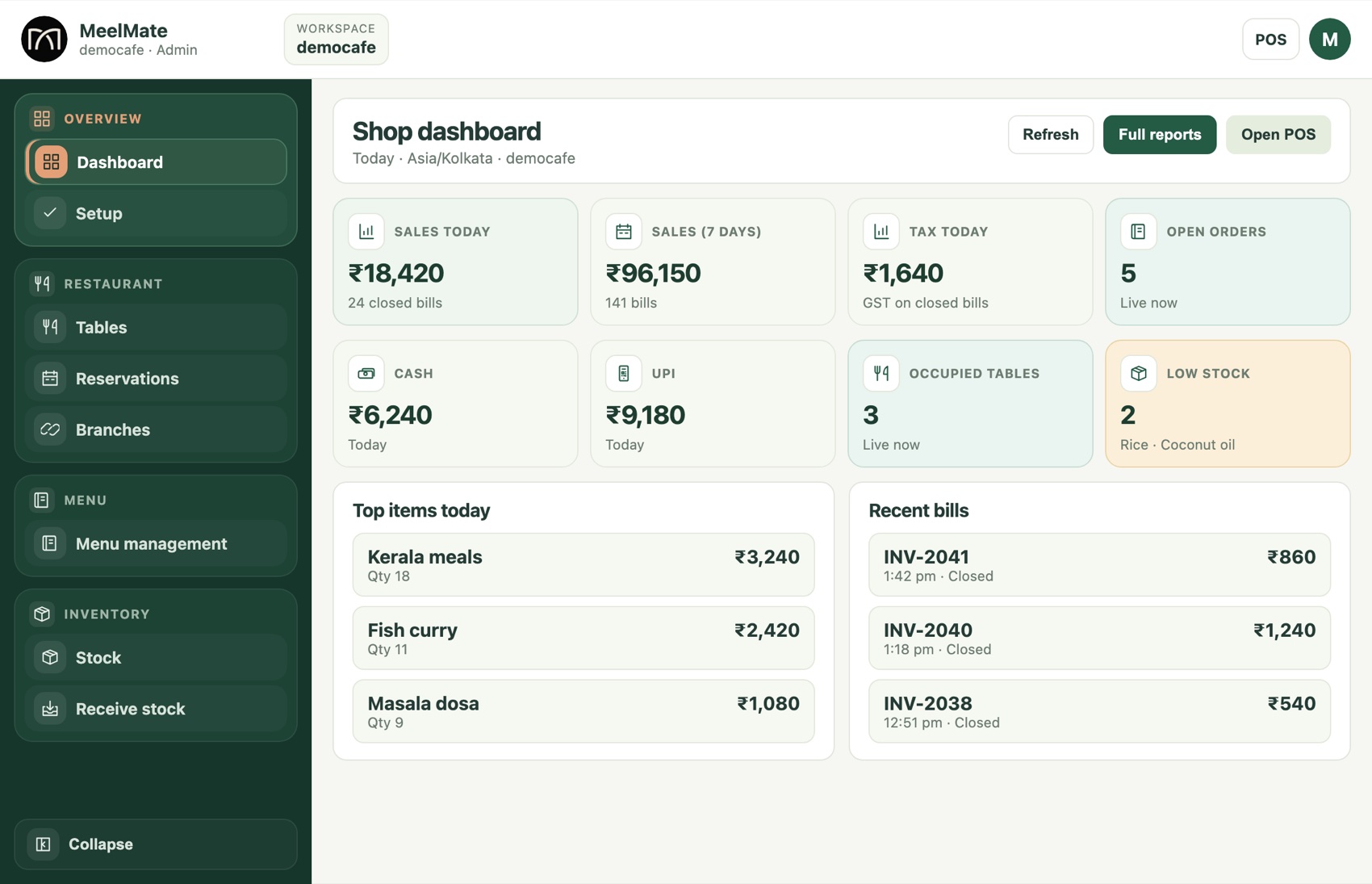
The everyday jobs, from the floor to the stockroom.
Take orders, keep open tickets, and close them to a bill.
The kitchen gets its own board, from new ticket to ready.
Stock, suppliers, purchase orders, receiving, transfers, and waste.
Menu, floor tables, and reservations in the same shop.
Team records, with clock-in and clock-out on a shift.
Day reports, and more than one branch when you grow.
One ticket, from the table to the bill.
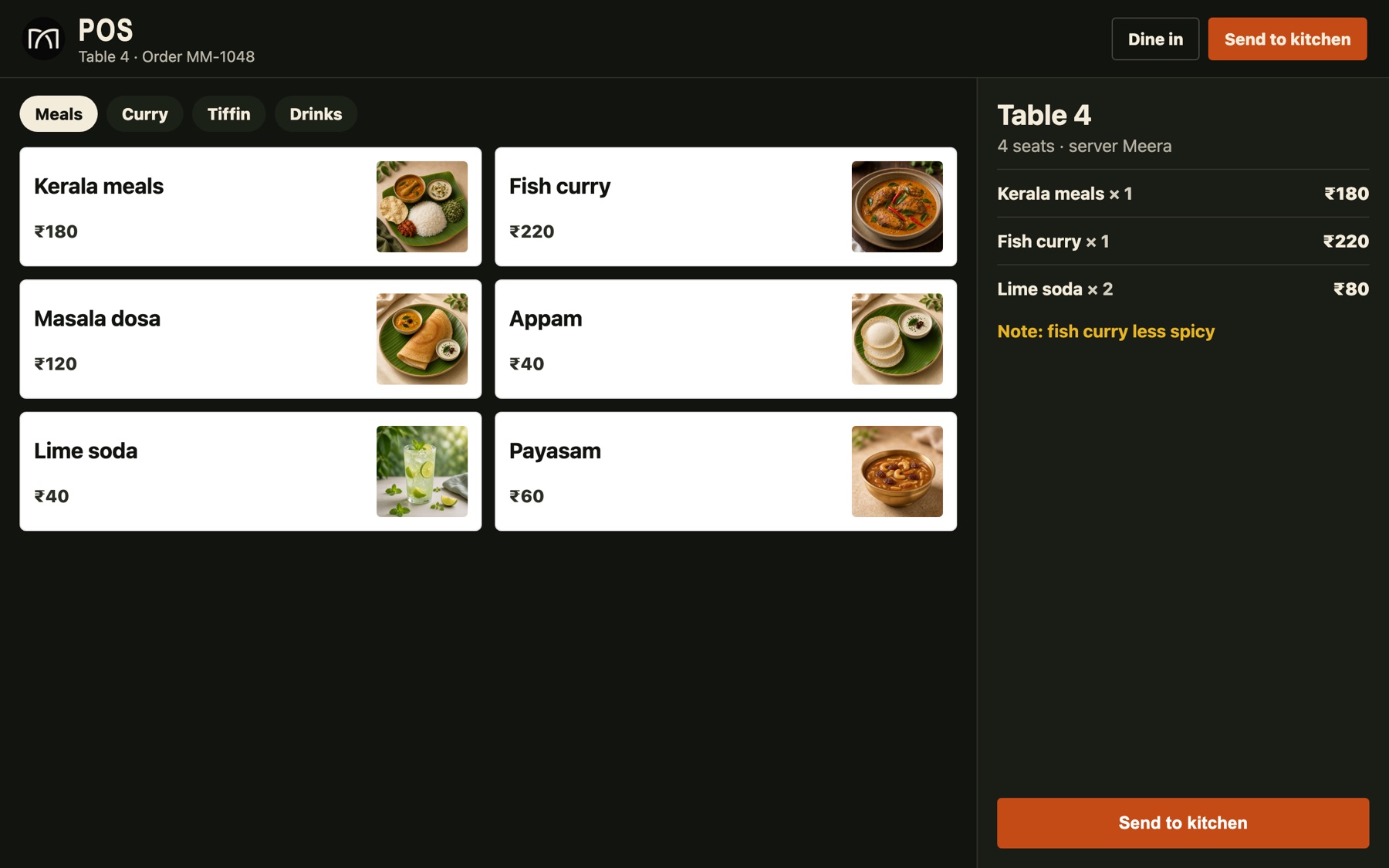
Tap the items on a phone or tablet. The order stays with the table or the takeaway.
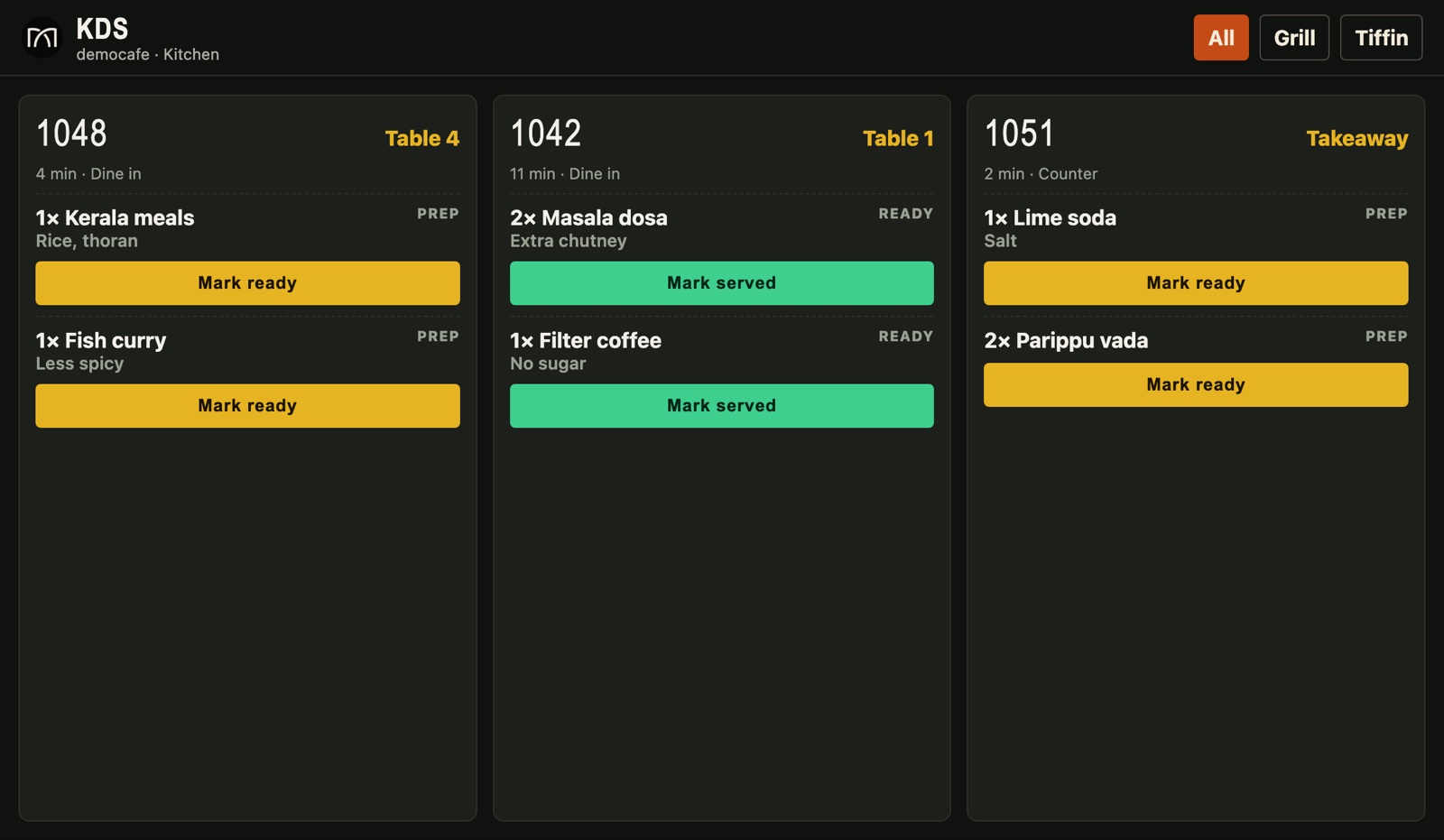
The same order shows on the kitchen tablet until the plate is ready.
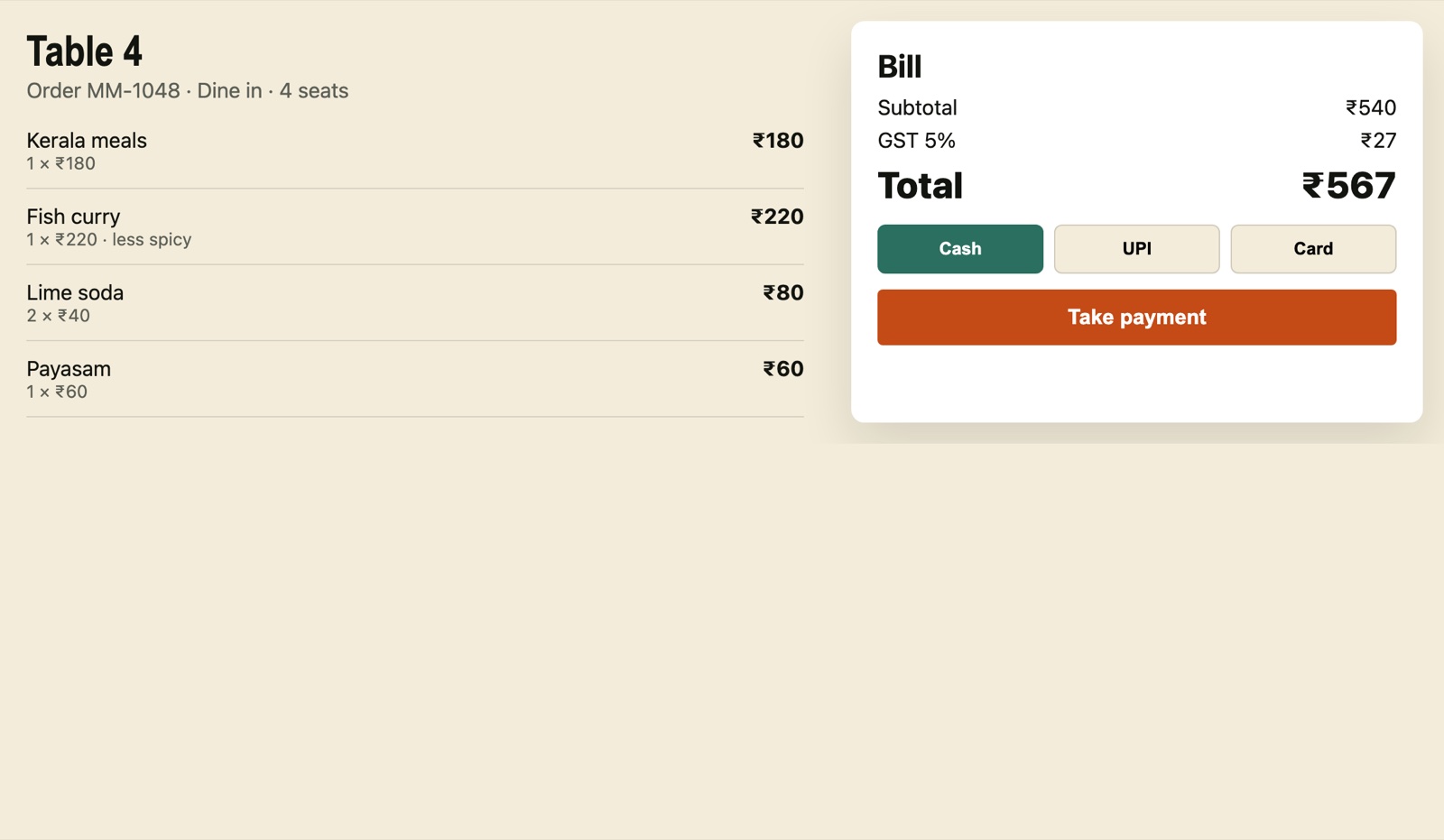
Finish the bill, then check reports, stock, and the shift.
The same shop works on the computer at the counter and on the phone your team already carries. Orders, shifts, and stock stay in one place.
Leave a name, a phone number, and the shop code you want. We will write back.
Already have a shop? Log in